01
DreamCloud
Luxury hybrids, made affordable
Layers memory foam over individually wrapped coils for plush comfort and stable support, finished with a quilted cashmere-blend cover for an indulgent, cloud-like feel.


Puffy · Product page redesign
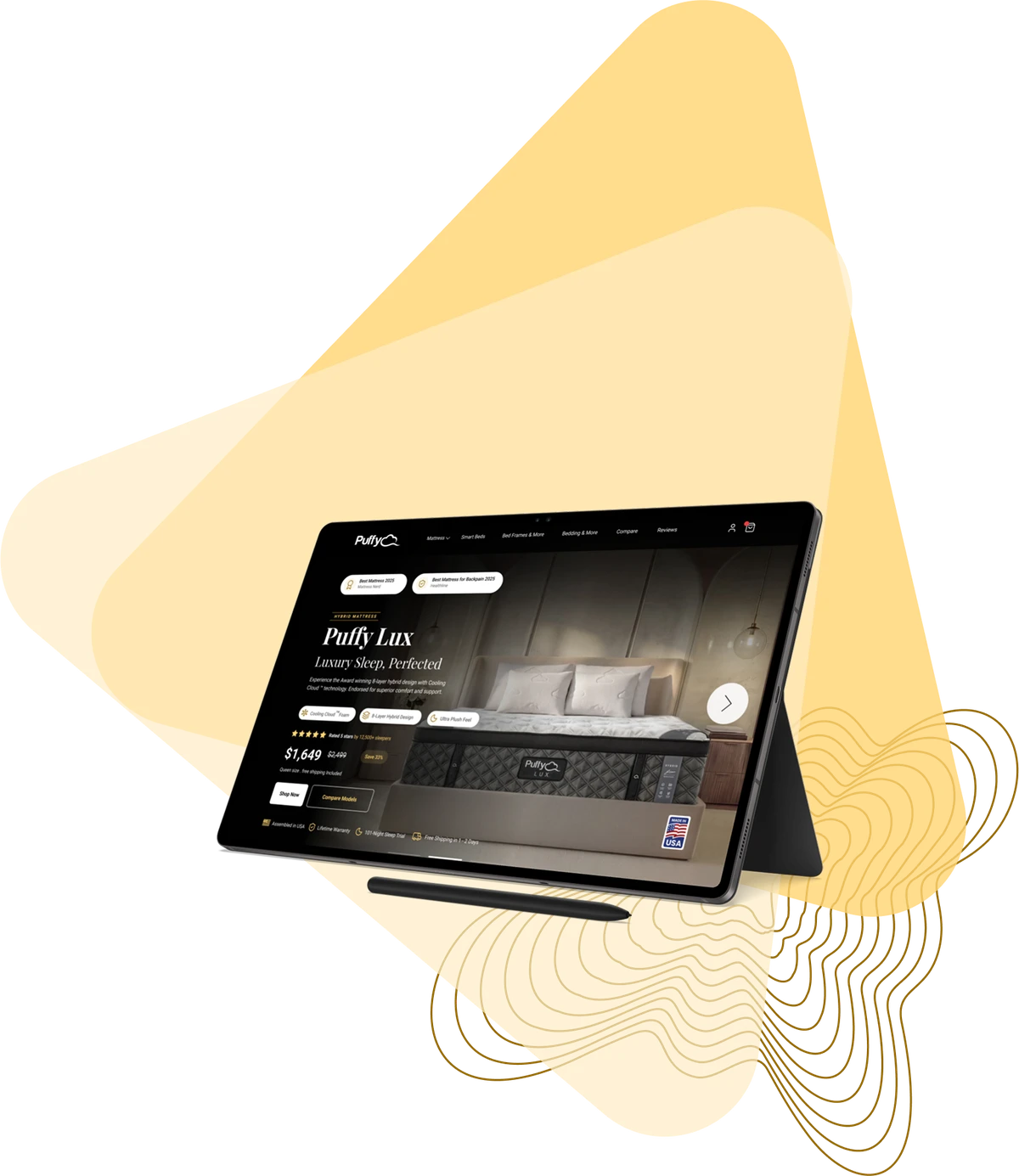
A new hero for the Puffy Lux product page, and the AI tool I built to create its images.
 Puffy LuxFirst fold & Studio AIFromBriefToLive demoRoleDesign & AIStandardWCAG 2.1 AAToolsFigma · LovableRedesigning the Puffy Lux first foldRead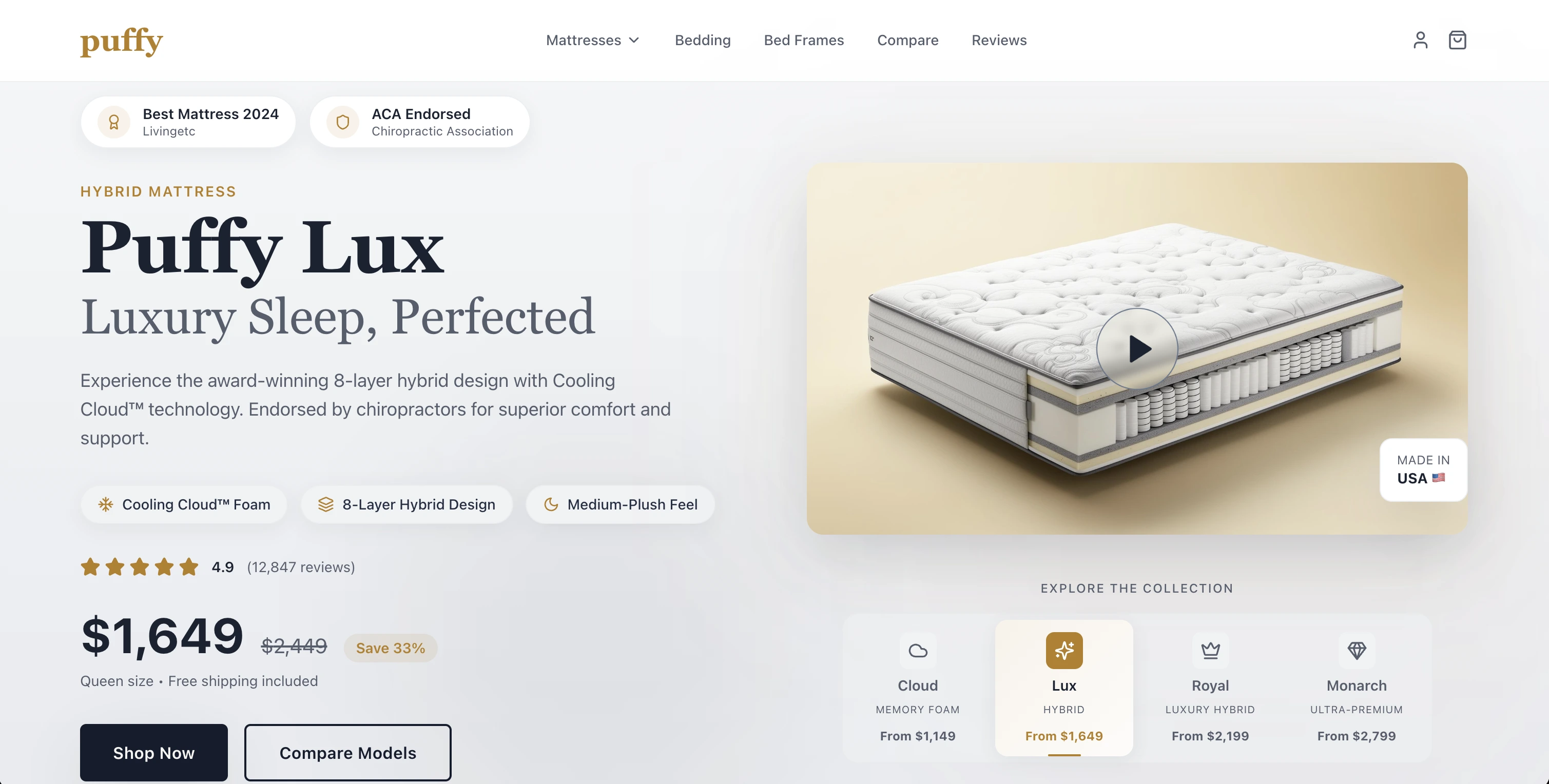
01
Puffy asked me to redesign the first fold of the Puffy Lux product page: everything a shopper sees on desktop before they scroll. In a few seconds, it has to explain the product and earn its price.
The brief set four requirements:
The work grew into three deliverables: the new first fold, an AI tool that creates its product images, and a handoff brief for other designers.
02
Before designing, I studied Puffy’s main competitors: brands selling similar memory-foam, hybrid or “cloud-like” beds, from mattress-in-a-box startups to larger sleep companies.
01
Luxury hybrids, made affordable
Layers memory foam over individually wrapped coils for plush comfort and stable support, finished with a quilted cashmere-blend cover for an indulgent, cloud-like feel.
02
Fun, futuristic, weightless
Its GelFlex® Grid, a hyper-elastic polymer, collapses under pressure points while supporting the rest of the body, so you feel almost weightless. Very breathable, which makes it a favourite with hot sleepers.
03
The bed-in-a-box pioneer
Foam and hybrid mattresses known for balanced softness and support. Its Zoned Support™ gives targeted relief at the shoulders and hips, a strong pick for side sleepers.
What it meant for Lux: each rival leads with one clear idea, from Purple’s grid to Casper’s zoned support. Lux needed its own: a single premium promise, backed by proof a shopper can check at a glance.
03
The fold answers the brief’s two questions, what it is and why it’s premium, in the order a shopper asks them.
I built it as a working, responsive demo, so it could be reviewed in a real browser rather than as a static frame.
04
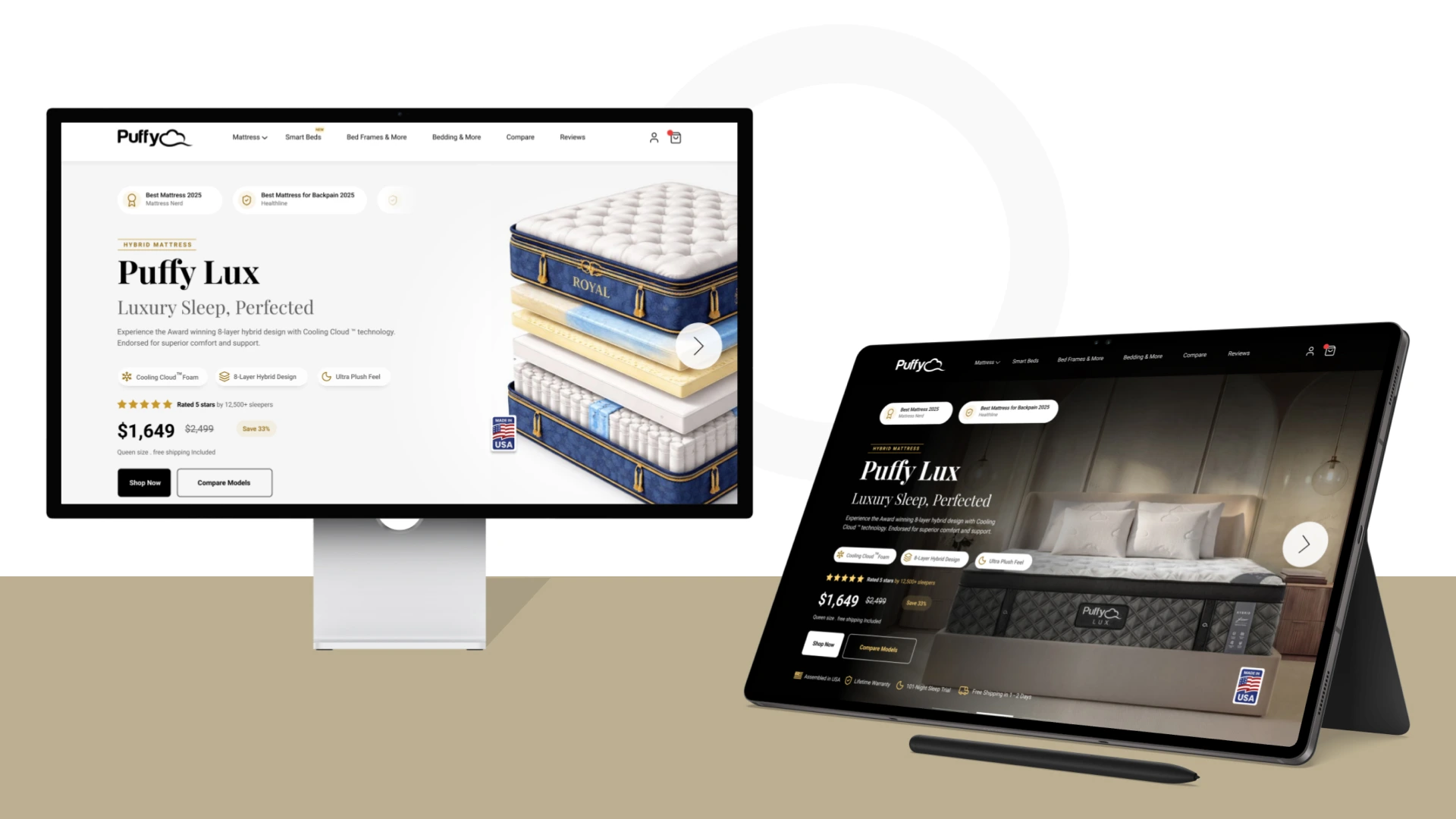
A premium fold needs premium photography, and there was no photo shoot. So I used AI to place the mattress in real, upscale bedrooms.
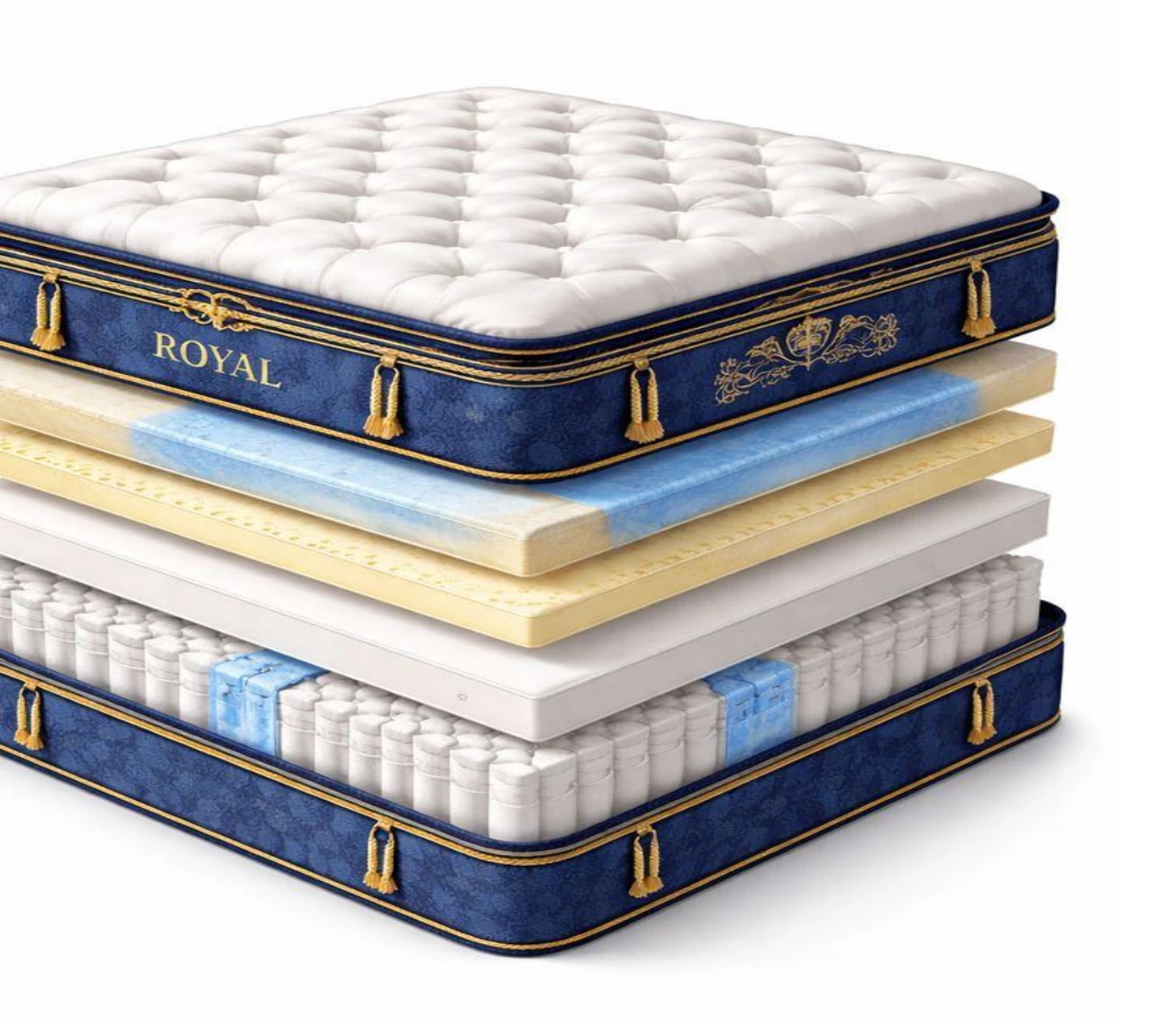
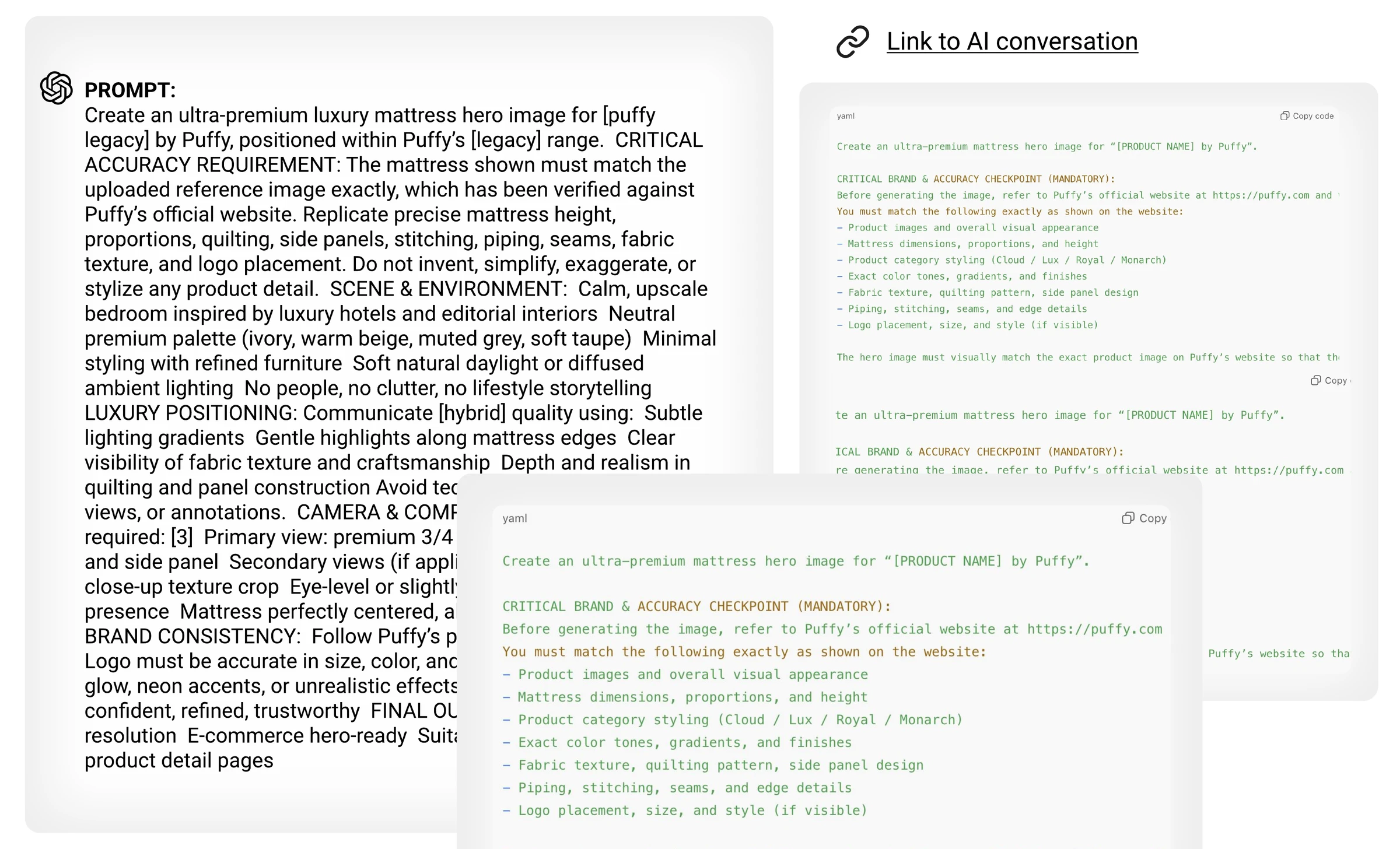
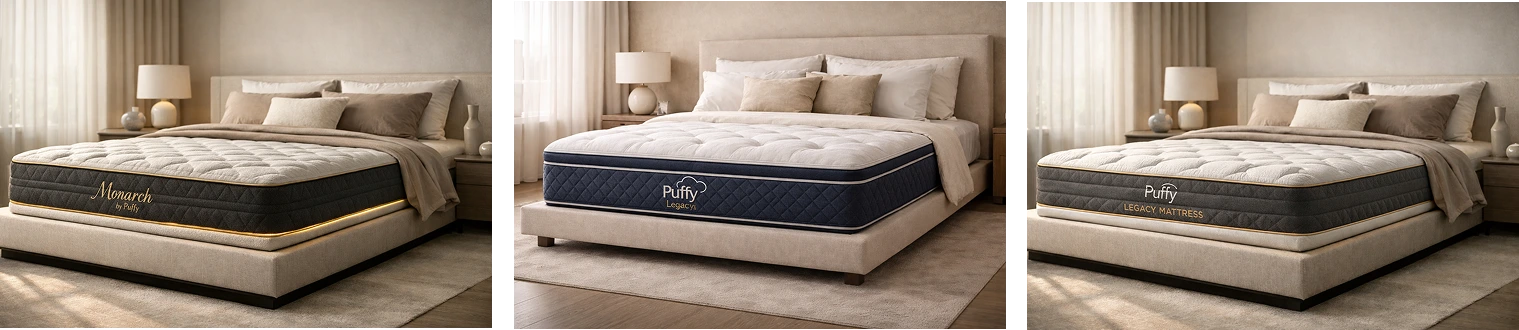
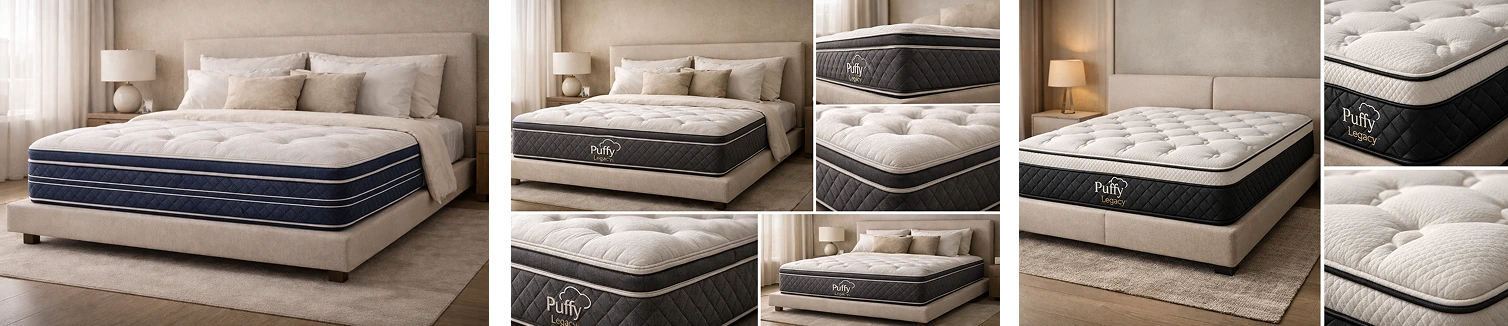
A short first prompt gave a clean exploded view of the layers. The bedroom scenes were harder: every image came out almost the same, and the mattress often wasn’t Puffy’s.
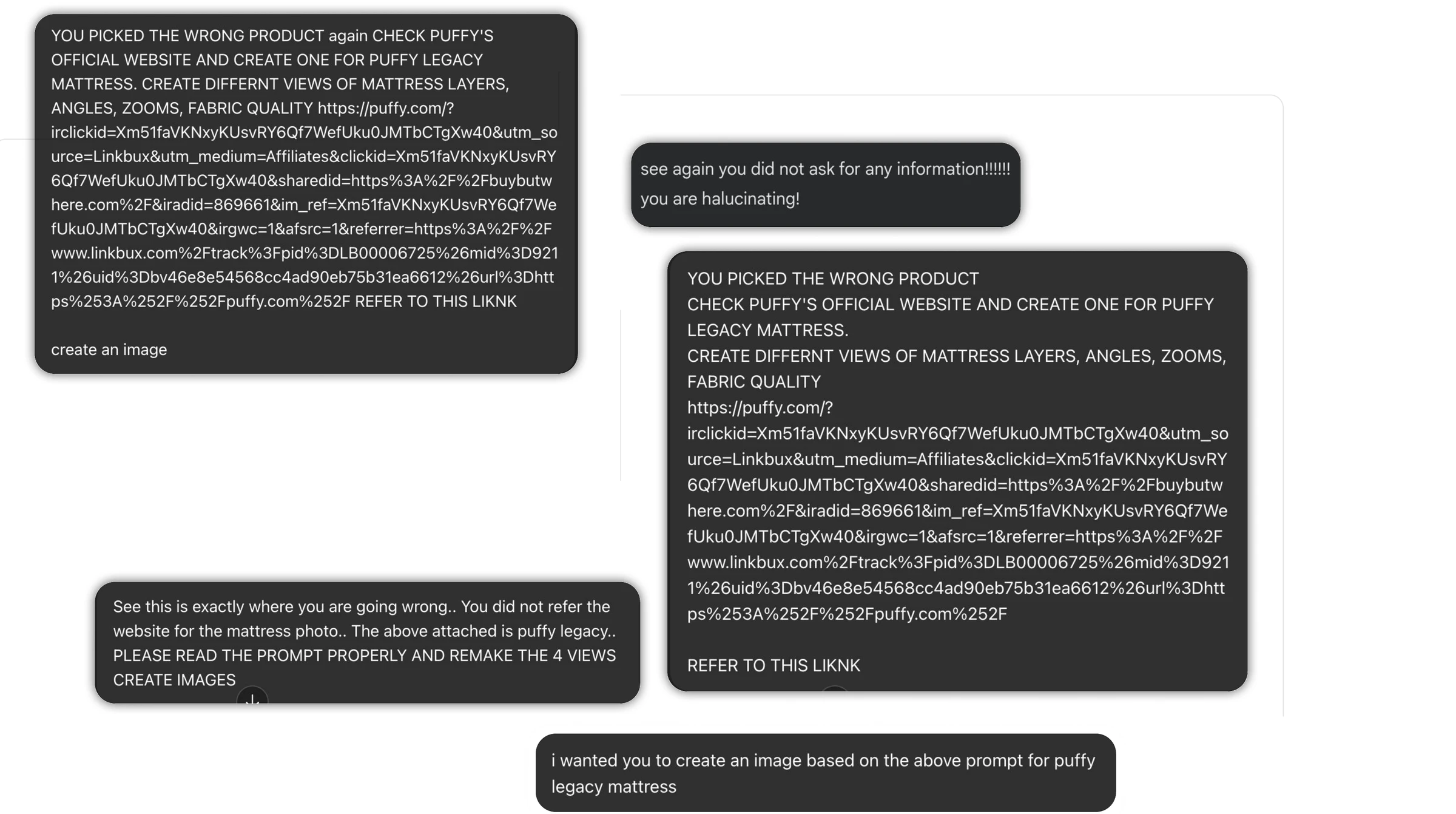
I wrote a reusable prompt template with strict rules: match the reference product exactly, keep the brand palette, use set camera views. ChatGPT, Gemini, DALL·E and Midjourney still invented mattresses Puffy doesn’t make. Repeating the rules, even in capitals, didn’t fix it.
A second objective: produce consistent, on-brand images of the real Puffy mattress, without a photo shoot.
Prompt conversation 1 ↗Prompt conversation 2 ↗Gemini conversation ↗
05
The fix wasn’t a better prompt. It was a small tool that asks for the right inputs.
Chose
Turn the prompt into a tool with structured inputs
Over
Writing an ever-longer, stricter prompt
Because
The models kept ignoring details buried in long text. Separate inputs for product, reference, views and setting are harder to skip.
Chose
Require an uploaded reference image of the real product
Over
Describing the mattress in words
Because
Getting the real product right was the main failure. A photo carries details that words miss, and the tool rejects any upload that isn’t a mattress.
Chose
Multi-select views and preset artistic notes
Over
Generating one image at a time
Because
A whole set renders in one go, and presets keep the look consistent with the brand.
06
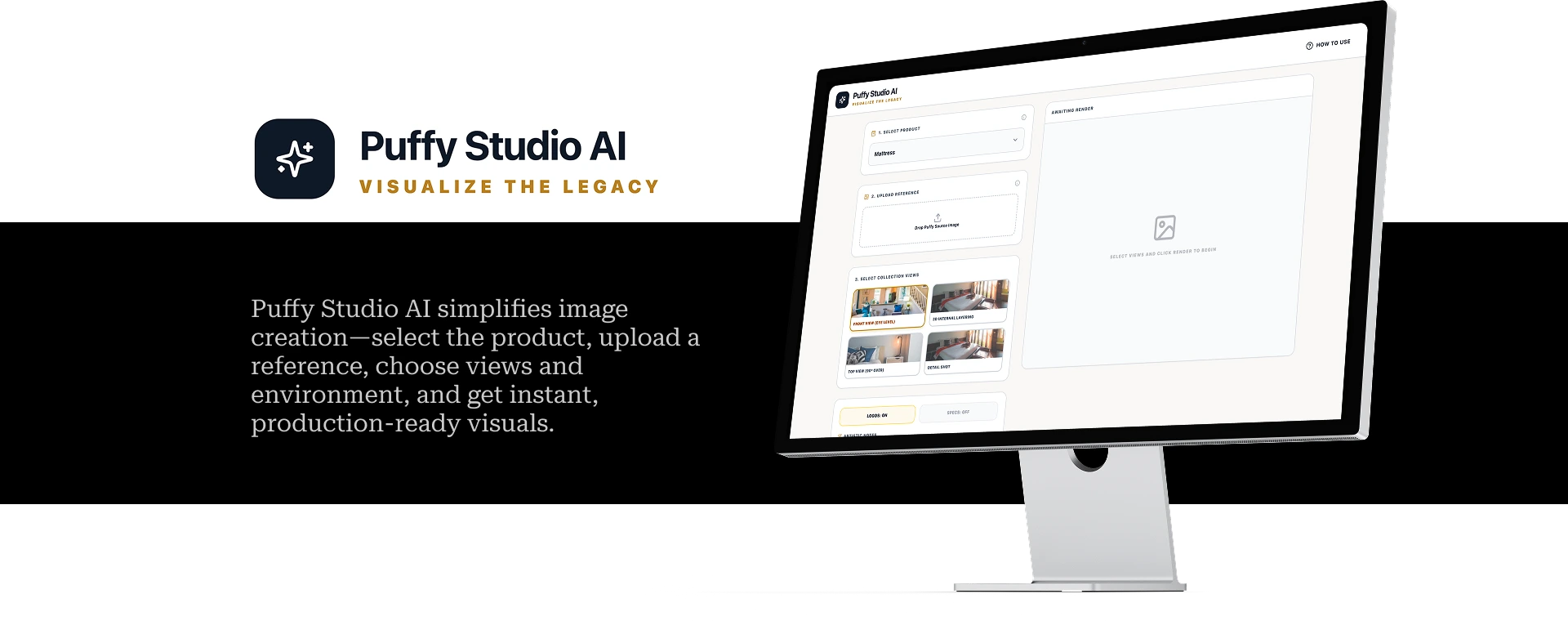
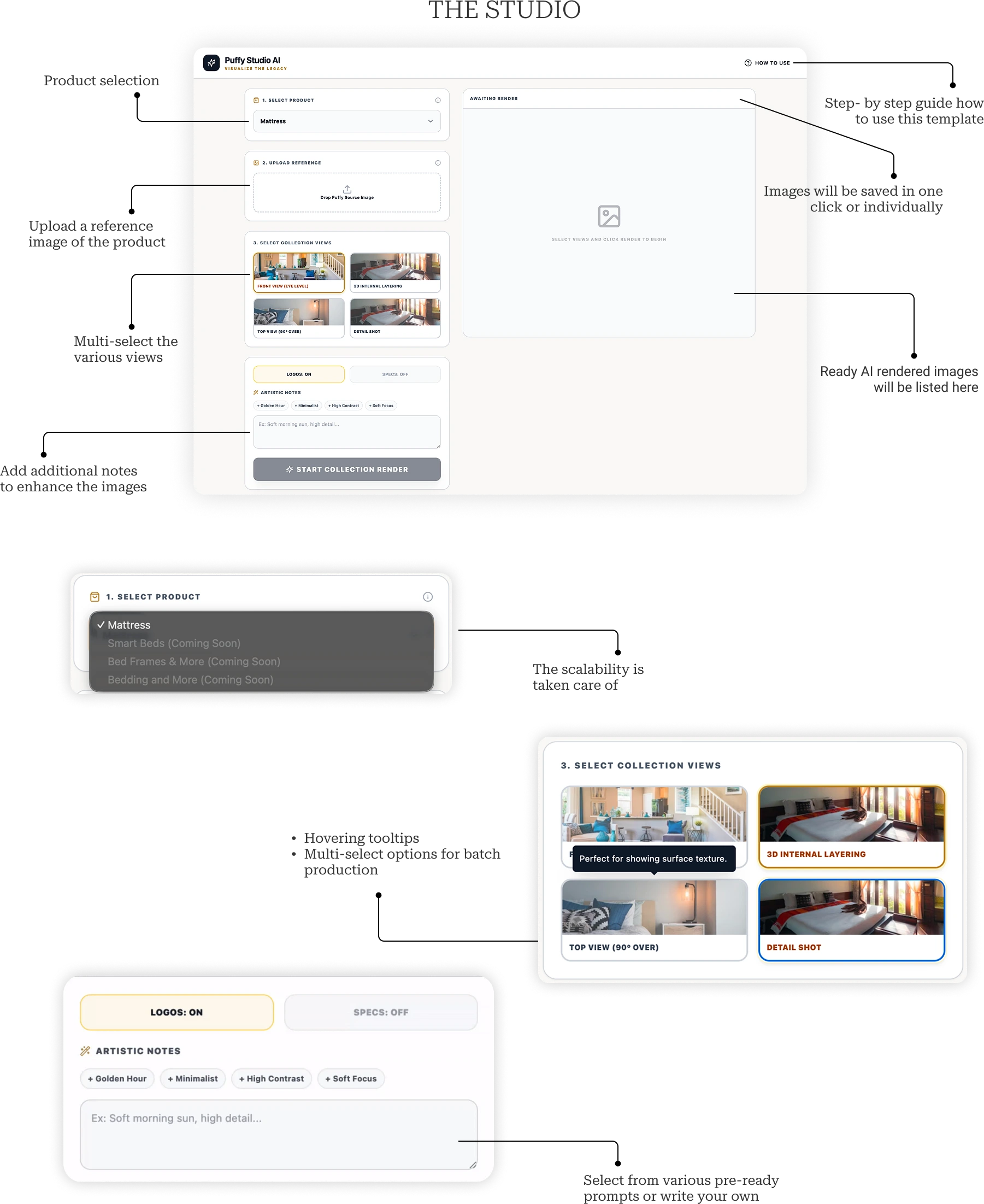
Puffy Studio AI turns image making into five steps: pick the product, upload a photo of the real mattress, choose the views, describe the setting in a sentence, and download a matching set.
It’s built to grow. The product list can go beyond mattresses, views can be multi-selected for batch renders, and toggles for logos and specs, plus preset notes such as Golden Hour or Minimalist, keep every set on brand.
07
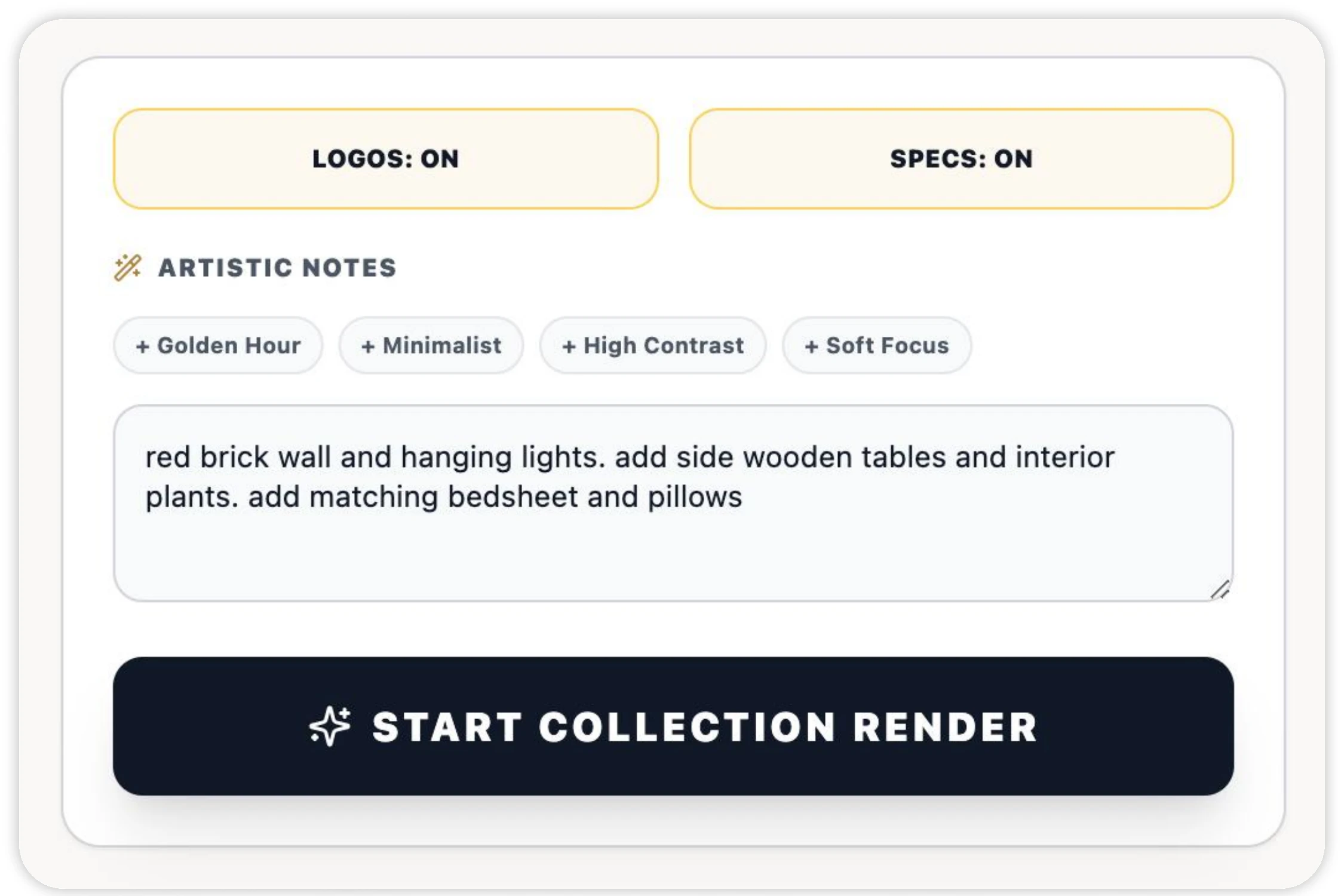
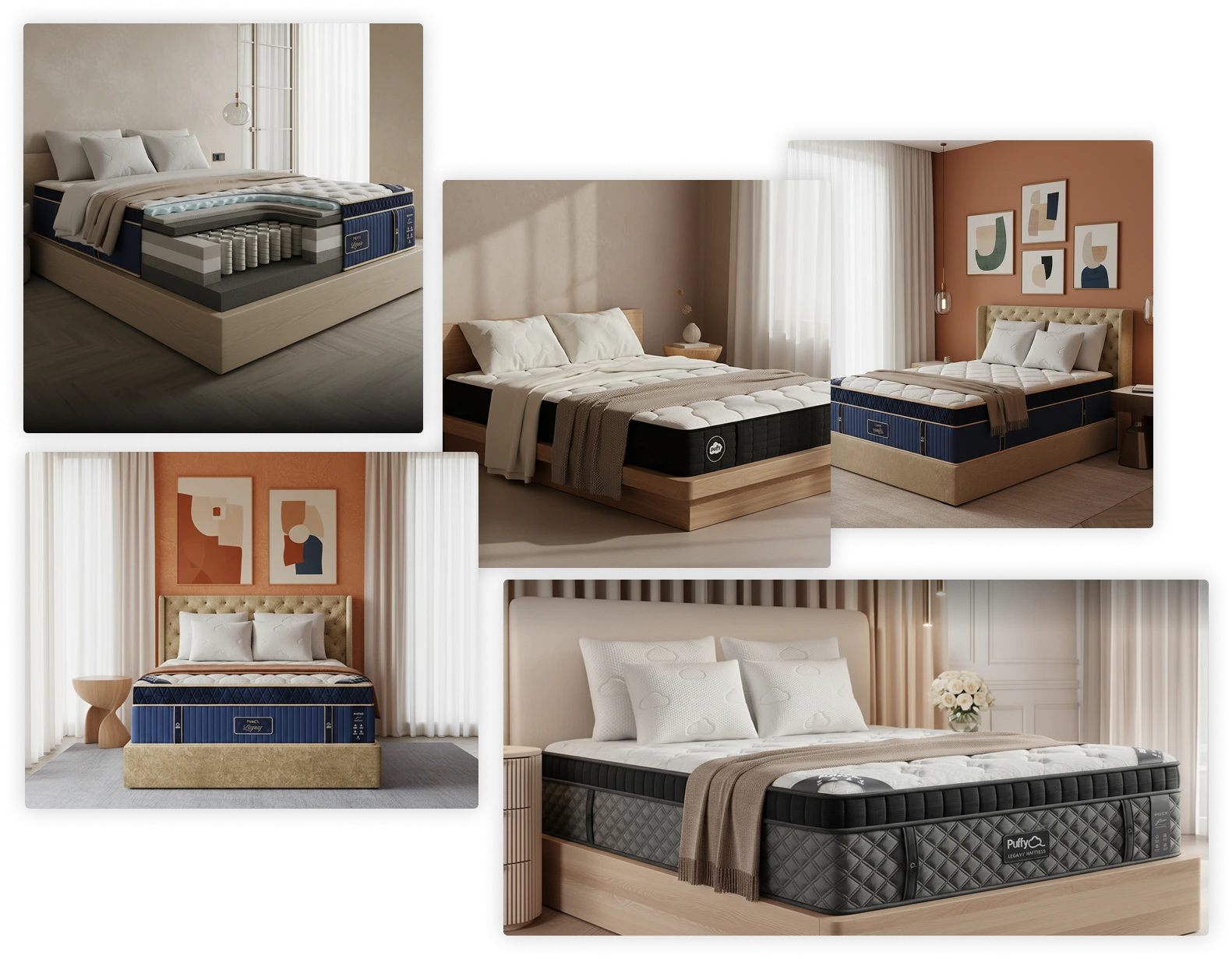
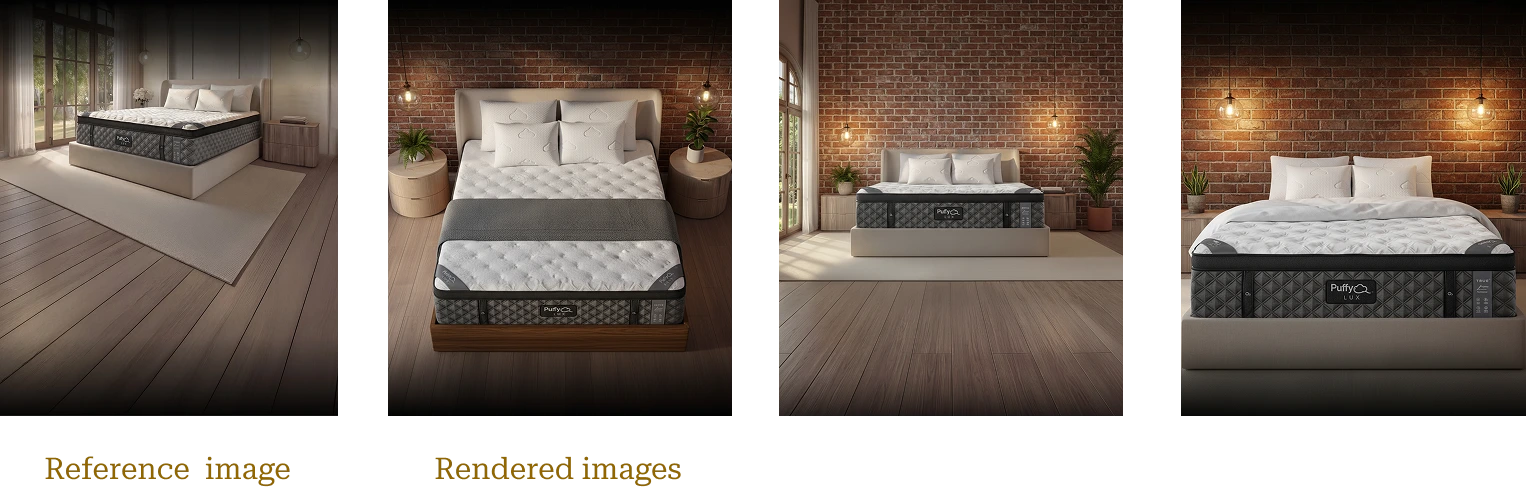
For Lux, one reference photo and one sentence, “red brick wall and hanging lights, side wooden tables and interior plants, matching bedsheet and pillows”, produced a consistent set of hero-ready images.
08
So the work doesn’t depend on me, I wrote a handoff brief in Figma covering the first fold and the image workflow. Another designer can pick up both and carry on.
09
Each objective, and the part of the solution that meets it.
10
Premium is earned with proof. Every competitor had one clear idea, and the Lux fold works because it pairs one promise with evidence a shopper can check in seconds.
AI is fast, but it doesn’t follow long instructions reliably. The fix wasn’t a better prompt; it was a better interface. Structured inputs and a real reference photo turned an unpredictable model into a dependable tool.